

When first starting with WordPress, the learning curve felt manageable. Create posts, add images, hit publish. Simple enough. But then came the overwhelming realization: now this content needs to be shared across Facebook, Instagram, LinkedIn, X, Pinterest… and suddenly what took 10 minutes to publish requires another 30-40 minutes of copying, pasting, resizing images, and manually posting everywhere.
That’s when the search for “social media management tools” began. The big names appeared: Buffer, Hootsuite, Later. They looked professional and feature-rich. But here’s what nobody tells beginners upfront: these platforms cost $100-300+ per year, require learning entirely new dashboards, and force you to jump between multiple tools just to manage content that already lives in WordPress.
The Lightbulb Moment
Everything changed after discovering WordPress-native automation. Instead of treating WordPress as just a blog and social media as something separate requiring different tools, what if WordPress itself could handle everything?
This approach flips the entire workflow. Write content once in the familiar WordPress editor, and it automatically flows to every social platform without touching another dashboard. No copying and pasting. No remembering which image size works for which platform. No logging into five different services.
Why WordPress-Native Makes Perfect Sense
Everything Lives in One Place
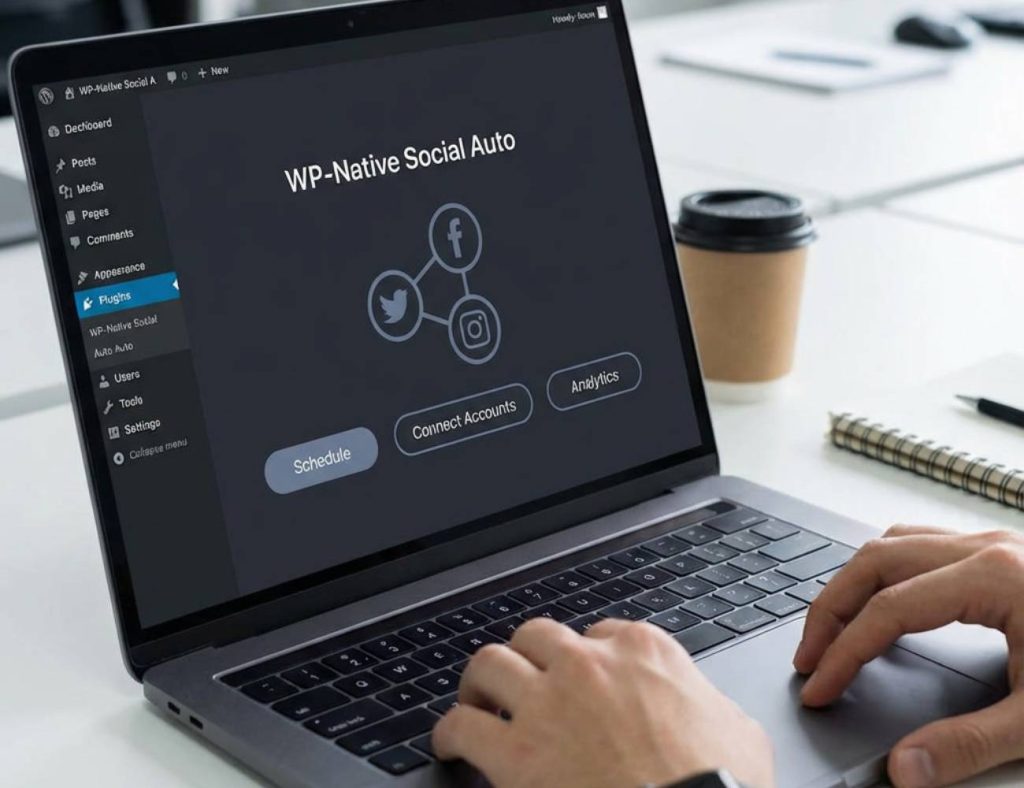
The WordPress dashboard becomes mission control. Schedule blog posts, manage social media, review analytics, update pages—everything happens in one familiar interface. There’s no context-switching between tools, no remembering multiple passwords, and no wondering where that draft went because everything exists in WordPress.
For someone still getting comfortable with WordPress, adding three more complex platforms to learn feels overwhelming. Tools like Social Post Flow eliminate that anxiety by keeping everything WordPress-native. The learning curve disappears because there’s nothing new to learn—it’s just WordPress doing more.
Automated Doesn’t Mean Robotic
One early concern was that automation would make social posts feel generic and spammy. That fear evaporated after discovering dynamic tags and customizable templates.
Dynamic tags pull information directly from posts—titles, excerpts, featured images, custom fields, author names—to create unique social content for every post. A WooCommerce product announcement can have completely different messaging than a blog post, and Facebook posts can differ from LinkedIn posts, all automated based on templates created once and reused forever.
This means automation works while posts still feel personal and platform-appropriate. The best of both worlds.
Time Savings Are Mind-Blowing
Before automation, publishing a single blog post meant:
- Writing and formatting in WordPress (20 minutes)
- Creating social graphics for each platform (15 minutes)
- Manually posting to Facebook, X, LinkedIn, Instagram, Pinterest (30 minutes)
- Total: 65+ minutes per post
With WordPress-native automation:
- Writing and formatting in WordPress (20 minutes)
- Hitting publish (1 second)
- Total: 20 minutes per post
That’s 45 minutes saved per post. Publishing three posts weekly saves over 2 hours weekly—104 hours annually. That’s nearly 13 full workdays returned just from automating social distribution.
Consistency Without the Stress
Consistency matters tremendously on social media. Algorithms favor accounts that post regularly, and audiences expect steady content flow. But life happens—busy weeks, vacations, unexpected projects—and manually maintaining posting consistency becomes impossible.
WordPress-native automation solves this beautifully. Schedule posts weeks or months in advance directly in WordPress, and social automation ensures they publish everywhere automatically. Going on vacation? Content keeps flowing. Swamped with client work? Social media doesn’t skip a beat. The consistency audiences and algorithms love happens automatically.
No More Platform-Hopping
Using separate tools means constantly jumping between platforms. Write in WordPress, switch to Buffer to schedule social posts, check Hootsuite analytics, update Facebook manually because the integration broke, fix something in LinkedIn’s native interface. It’s exhausting and inefficient.
WordPress-native automation eliminates platform-hopping entirely. Everything happens in WordPress. Need to update a scheduled post? Edit it in WordPress. Want to see what’s publishing next week? Check the WordPress calendar. Analytics? WordPress dashboard. It’s streamlined, efficient, and frankly just makes sense.
Budget-Friendly for Beginners
Starting out means watching every dollar. Big social media management platforms charge $15-30 monthly—often per user. For a solo blogger or small business just getting started, that’s a significant recurring expense that adds up to hundreds annually.
WordPress-native tools like Social Post Flow cost just $49/year for 5 social profiles. That’s what other platforms charge for 3-4 months. The cost difference alone makes WordPress-native automation the obvious choice for anyone budget-conscious, which describes pretty much every beginner.
Simplified Setup Process
Remember those horror stories about API keys, OAuth tokens, app IDs, and developer dashboards? Those nightmares become reality with many social automation tools. Setting them up requires technical knowledge that beginners simply don’t have.
WordPress-native solutions skip that complexity entirely. The WordPress plugin documentation shows setup takes literally minutes—install the plugin, connect accounts through a simple dashboard, select which profiles to use, and automation is live. No coding, no API configuration, no technical headaches.
Built for WordPress Workflows
External tools don’t understand WordPress. They don’t know about custom post types, taxonomies, featured images, or custom fields. They treat WordPress like any other content source, forcing you to work around their limitations.
WordPress-native automation understands WordPress intimately. It knows WooCommerce products differ from blog posts. It recognizes Events Calendar entries and membership content. It can pull custom field data, author bios, category information—anything in WordPress becomes usable in social automation. This deep integration enables sophisticated automation impossible with external tools.
Room to Grow
Starting with 2-3 social profiles today doesn’t mean staying there forever. As the site grows, so does social presence. WordPress-native automation scales effortlessly—add new profiles, configure unique messaging per platform, create sophisticated conditional publishing rules, all without switching tools or learning new platforms.
The same WordPress plugin that automates 3 profiles today handles 10 profiles next year without missing a beat. Growth doesn’t require migration headaches or platform changes.
The Reality Check
WordPress-native automation isn’t just a nice feature—it’s the logical approach for anyone building a WordPress-based presence. The content already lives in WordPress. The publishing workflow happens in WordPress. Why complicate it by adding external tools that fragment the process?
Native automation keeps everything unified, simple, and efficient. It saves time, reduces costs, eliminates complexity, and scales naturally as sites grow. For beginners especially, it removes barriers and simplifies social media management to something actually manageable.
After experiencing WordPress-native automation, going back to manual posting or juggling multiple platforms feels ridiculous. Why would anyone voluntarily make their workflow more complicated and expensive?
The case for WordPress-native social automation isn’t just strong—it’s obvious. Everything in one place, automated intelligently, for a fraction of the cost. That’s not a trade-off; that’s just smart.
Follow along at @socialpostflow to see native WordPress automation in action and stay updated on the latest features and tips.


